





















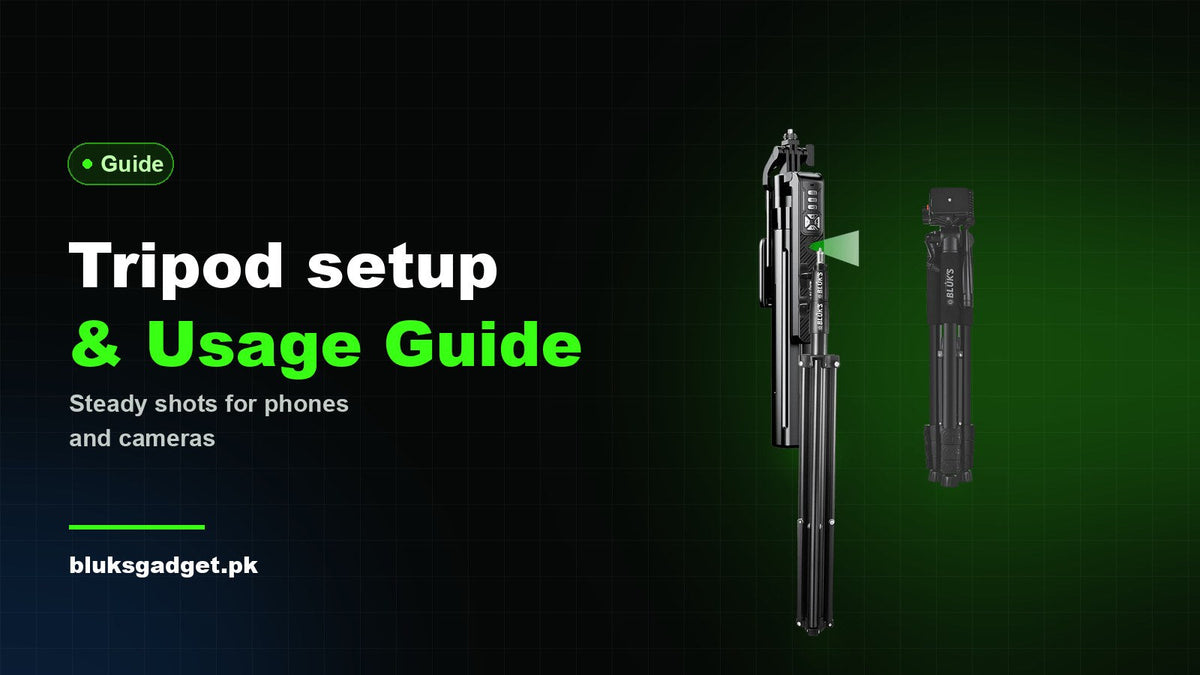
A good tripod only gives you sharp photos and steady video if it is set up properly. A few habits — how you extend the legs, where you place them and how you lock the head — make the difference between a rock-solid shot and a wobbly one. This guide walks you through choosing, setting up and using a tripod with a phone or camera.
1. Choose a tripod that matches your gear
Start with what you are putting on top of it. A phone or a small mirrorless camera needs a light, portable tripod. A DSLR with a heavy lens, or a studio light, needs a sturdier stand with a higher load capacity.
- Load capacity — always pick a tripod rated comfortably above the weight of your camera, lens and accessories.
- Maximum height — a tripod that reaches eye level saves you from bending over the viewfinder or screen.
- Material — aluminium is strong, durable and affordable, which is why most everyday tripods use it.
- Mount — most cameras and phone holders use the standard 1/4-inch screw, so check your tripod has it.
2. Know the parts of a tripod
- Legs — telescopic sections that extend and collapse to set the height.
- Leg locks — flip locks or twist locks that hold each section in place.
- Feet — rubber feet grip smooth floors and stop the tripod from sliding.
- Head — the part that holds and moves your camera. A ball head is quick and flexible; a pan-tilt head moves one axis at a time for precise framing and smooth pans.
- Quick-release plate — screws onto the camera once, then clicks on and off the tripod in seconds.
3. Pick a stable spot
Even a strong tripod will shake on a soft or slippery surface. Set up on concrete, tiles, wooden floors or firm ground. Outdoors, avoid loose sand, mud and wobbly rocks. If you must shoot on a slope, adjust the leg lengths until the head is level — use the tripod's bubble level if it has one, or a level app on your phone.
4. Extend the legs the right way
- Spread the legs fully so the base is as wide as possible.
- Extend the thickest (top) sections first — they are the most stable.
- Use the thinner bottom sections only when you need extra height.
- Raise the centre column last, and only as much as needed. A fully raised column is the least stable part of any tripod.
- Check every lock is tight before you mount anything.
5. Mount your camera or phone safely
Attach the quick-release plate to your camera, slide it into the head and lock it. For a phone, place it in the holder, centre it and tighten the clamp. Keep one hand on the device until you are sure it is secure. Point one leg towards your subject so you do not trip over the legs while shooting.
6. Frame the shot and reduce shake
- Level the head first, then compose your shot.
- Use a 2-second timer or a remote shutter so pressing the button does not shake the camera.
- For a smooth video pan, loosen only the pan lock and move slowly and evenly.
- In wind, lower the tripod and hang a bag from the hook (if your tripod has one) to add weight.
7. Pack up and look after it
Remove the camera first, then lower the centre column and collapse the legs from the bottom up. Wipe off dust, sand and moisture after outdoor shoots, and do not over-tighten the locks — firm is enough.
Which Bluk's tripod fits your setup?
- Everyday phone and camera tripod: BX-371 — lightweight aluminium, up to 1420mm high, a 1/4-inch quick-release plate and a 3kg maximum load.
- Smooth pans and extra height: BX-385 — 3-way 360° pan-tilt head, flip-lock legs, non-slip rubber feet, a weight-hanging hook and up to 1680mm height.
- Tabletop to full height: BX-328 — 4-section aluminium legs with quick-adjust locking levers, adjusts from 33cm to 125cm and supports up to 4.2kg.
- Lights and elevated setups: BX-374 — extends up to 2.8m with a universal mini ball head and a retractable base.
- Overhead and full-body shots: BX-327 — 1900mm reach, four-legged support, a balance handle and a built-in fill light.
Browse every model with live prices in our Tripods collection.
Quick checklist
- Load capacity higher than your gear → always.
- Firm, level ground → check with a bubble level or level app.
- Thick leg sections first, centre column last.
- All locks tight before mounting the camera or phone.
- Timer or remote → no shake from pressing the shutter.
Every Bluk's tripod comes with the official brand warranty, and Cash on Delivery is available across Pakistan.


