













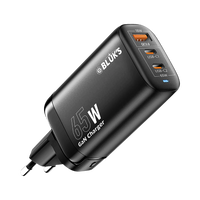

Wireless microphone
Limited time
11.11 Mega Sale
Pakistan's biggest gadget sale — up to 50% off
00Days00Hrs00Min Shop the sale
-17%
Wireless Microphone
BX-111 ENC Wireless Mic with Handheld StickRs.19,299 -4%
Wireless Microphone
BX-116 Double Mic ANC with IPhone & Type C ConnectorRs.5,299
 -4%
Wireless Microphone
BX-17 | Lavaliere Collar Wireless ANC MicRs.5,299
 -8%
Wireless Speaker
BX-177 Max Karaoke Wireless Bluetooth Speaker with MicRs.5,999
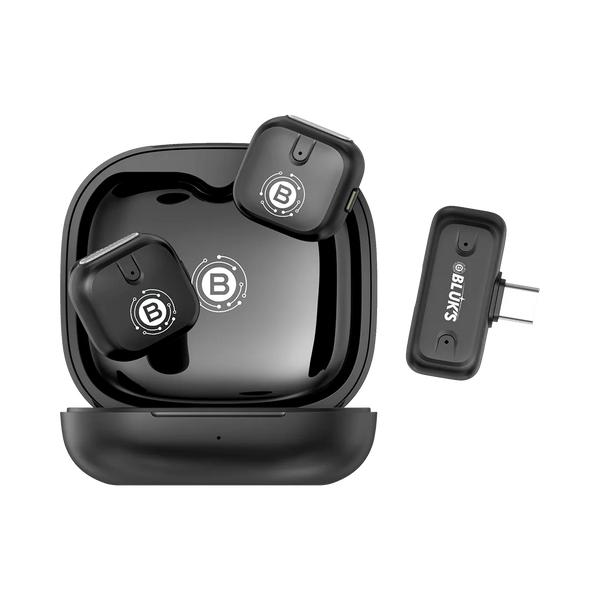 Wireless MicrophoneSpeak. Perform. Impress.
View all Mics
 -0%
Wireless Microphone
BX-30AuraClear 4X Wireless Lavalier MicrophoneRs.10,099
 -0%
Wireless Microphone
BX-29VoicePro Lavalier Wireless MicrophoneRs.9,099
 -0%
Wireless Microphone
BX-28ClearCast Lavalier Wireless MicrophoneRs.7,699
 -0%
Wireless Microphone
BX-27DUALCAST Lavalier Wireless MicrophoneRs.10,899
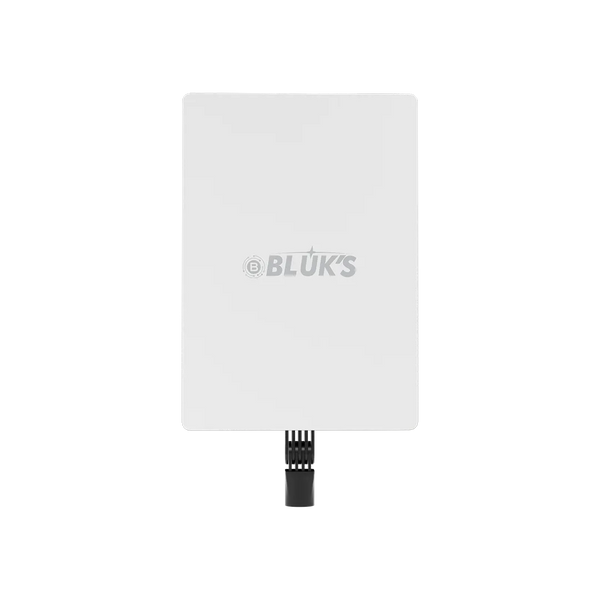 Studio LightLight Every Frame
View all Lights
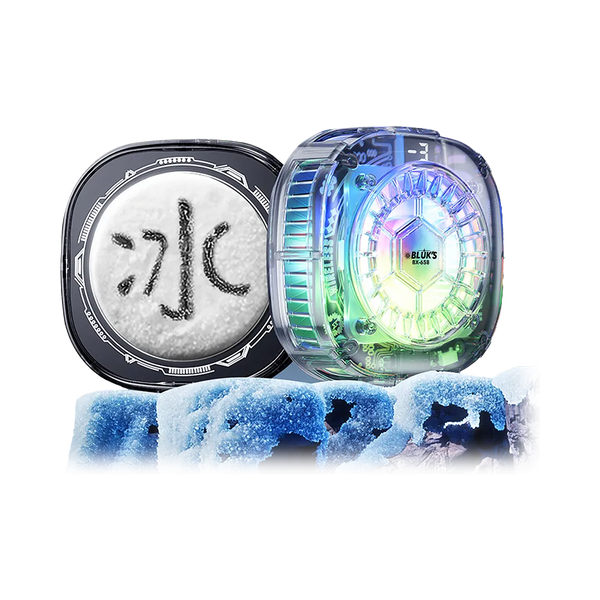 Phone CoolerGame Cool. Play Longer
View all Coolers
Help center
How can we help?
Find answers, check your warranty or talk to our team — we usually reply within minutes.
Software & firmware
Official firmware and update files for your Bluk's devices. Always use the files listed here.
Step-by-step
Watch our step-by-step guide on how to safely download and install the latest software update.
Firmware
Files are hosted securely on Shopify.


